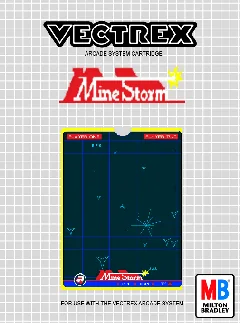
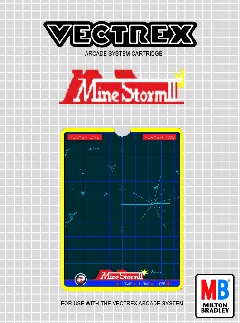
Playable Vectrex game
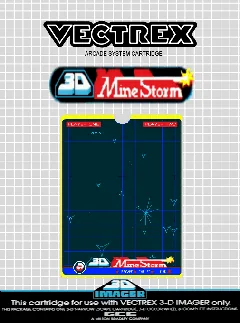
About 3-D Mine Storm
Play the 3-D Imager adaptation of Mine Storm, with Bill Hawkins’s cartridge code and John Ross’s Vectrex/Imager hardware credit preserved in the ROM.
- Collection
- Games
- Classification
- Official library
- Catalog year
- 1983
- Programmed by
- William “Bill” Hawkins
- Designed by
- John Ross (Vectrex and 3-D Imager hardware)
- Publisher
- GCE / Milton Bradley
- Genre
- Multidirectional shooter, 3-D action
- Players
- 1–2 players, alternating
- Research confidence
- verified
- ROM editions
- 1
- Browser controls
- Keyboard, joystick, or gamepad
Development and history
3-D Mine Storm was bundled with the Vectrex 3-D Imager in 1983. Credits documented by MobyGames and preserved inside the ROM identify William Hawkins as programmer and John Ross for the Vectrex and Imager technology.
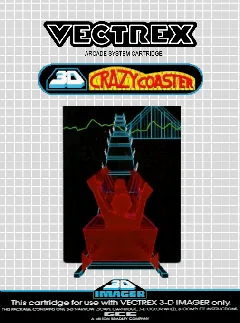
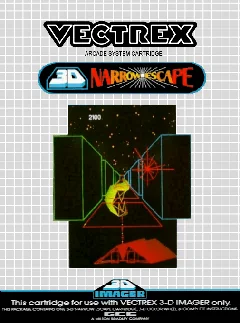
Rather than simply changing the color wheel, the cartridge adapts the built-in Mine Storm concept for stereoscopic presentation. It remains part of the historically small group of officially released Imager titles, alongside 3-D Crazy Coaster and 3-D Narrow Escape.
This page uses one stable canonical URL for the title and loads its embedded ROM directly into the emulator after the Vectrex BIOS is ready.
This title is associated with the Vectrex 3-D Imager library. Vectrexia simulates the wheel-motor timing, index sensor, and CA1 synchronization needed for the cartridge to progress without the physical headset, while a normal monitor still cannot reproduce the spinning color wheel or stereoscopic separation.
Gameplay and background
The player rotates and thrusts a ship through minefields, firing on floating, fireball, magnetic, and combined mine types. Escape functions as emergency repositioning. Vectrexia renders the vectors in a normal browser display; depth and color-wheel timing differ from original Imager hardware.
How to play in Vectrexia
- Move with the Arrow keys or WASD. Compatible controllers can use the left analog stick or D-pad.
- Vectrex buttons 1–4 map to Z, X, C, and V, and to the standard face buttons on most gamepads.
- Press a controller button after connecting it so the browser can expose the gamepad to the page.
- For the original 3-D Imager games, Vectrexia simulates motor PWM, the active-low index sensor, and the VIA CA1 pulse so the program can run; the original stereoscopic color-wheel effect still requires compatible physical hardware.
Audio may begin after the first click, key press, or controller input because browsers can restrict autoplay.
Research sources
Available editions
Alternate dumps and revisions share this canonical page to avoid duplicate search pages. Choose a specific edition from the in-app Library.