Playable Vectrex game
About Engine Analyzer (light pen)
Inspect Engine Analyzer, a rare official-era Vectrex light-pen utility that illustrates the system’s planned non-game and diagnostic uses.
- Collection
- Games
- Classification
- Official library
- Catalog year
- 1983
- Publisher / context
- GCE / Milton Bradley
- Genre
- Utility, Light pen, Diagnostic software
- Players
- 1 user
- Research confidence
- partial
- ROM editions
- 1
- Browser controls
- Keyboard, joystick, or gamepad
Development and history
Engine Analyzer is cataloged by the Vectrex Game Database as a 1983 light-pen program, but the surviving sources do not identify a programmer. It was not part of the normal retail game lineup and is often encountered through multicarts and preservation collections.
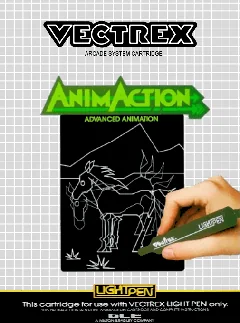
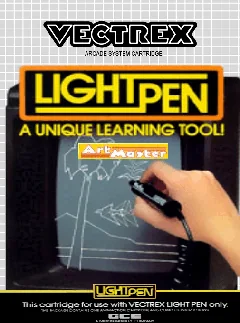
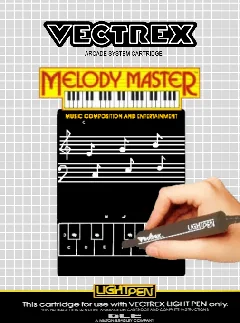
The title is evidence that GCE explored practical and educational applications for the Vectrex hardware. Its presence alongside Art Master, Animaction, and Melody Master shows that the light pen was intended as more than a novelty game accessory.
This page uses one stable canonical URL for the title and loads its embedded ROM directly into the emulator after the Vectrex BIOS is ready.
This title was designed around the original Vectrex light pen. Vectrexia currently emphasizes keyboard and gamepad input, so light-pen-specific interaction may not be fully represented.
Gameplay and background
The program expects physical light-pen interaction and should be treated as a preserved utility rather than a conventional game. Vectrexia can execute the ROM, but direct CRT-pointing behavior is not fully reproduced by keyboard or gamepad input.
How to play in Vectrexia
- Move with the Arrow keys or WASD. Compatible controllers can use the left analog stick or D-pad.
- Vectrex buttons 1–4 map to Z, X, C, and V, and to the standard face buttons on most gamepads.
- Press a controller button after connecting it so the browser can expose the gamepad to the page.
Audio may begin after the first click, key press, or controller input because browsers can restrict autoplay.
Research sources
Available editions
Alternate dumps and revisions share this canonical page to avoid duplicate search pages. Choose a specific edition from the in-app Library.